Best Customer Support Tools for SaaS Startups in 2026
Introduction
In the competitive landscape of Software as a Service (SaaS), exceptional customer support is not just a differentiator; it’s a necessity for survival and growth. For SaaS startups, building a robust support infrastructure from the ground up is crucial for fostering customer loyalty, reducing churn, and driving product adoption. As businesses scale, the volume and complexity of customer inquiries inevitably increase, making efficient and scalable customer support tools indispensable. This article explores the best customer support tools available for SaaS startups in 2026, offering insights into their features, benefits, and pricing to help you make an informed decision.
What Makes a Great Customer Support Tool for SaaS Startups?
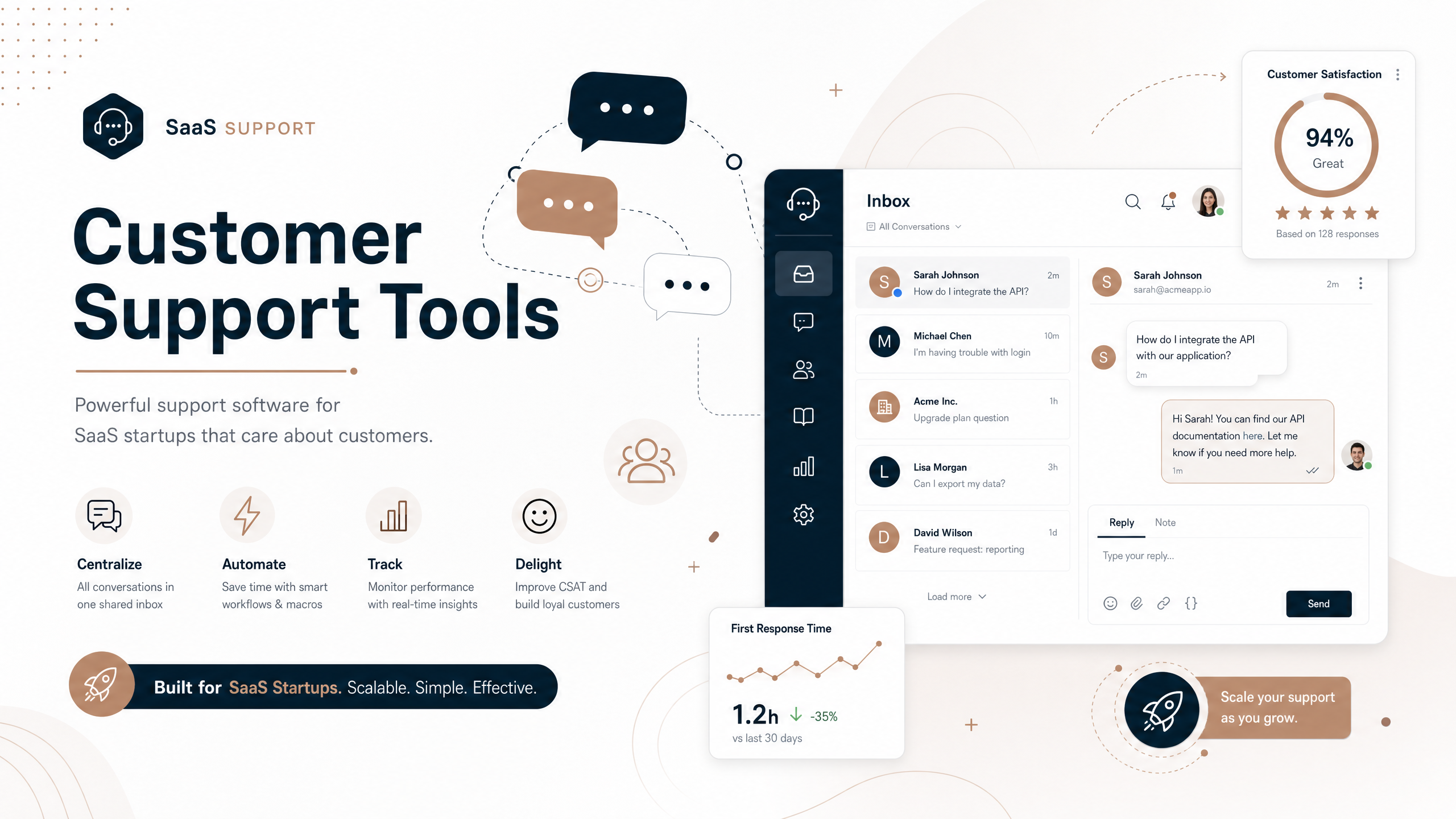
Choosing the right customer support solution involves more than just picking a popular name. SaaS startups need tools that can centralize communications, automate repetitive tasks, and provide actionable insights, all while being flexible enough to scale with their growth. Key capabilities to look for include:
- Omnichannel Support: The ability to consolidate customer interactions from various channels—email, live chat, social media, in-app messaging, and even platforms like Slack or Microsoft Teams—into a single, unified workspace. This prevents context loss and ensures a consistent customer experience.
- Shared Context and Collaboration: A system that allows team members to view complete customer histories, internal notes, and collaborate seamlessly on complex issues. This is vital for maintaining continuity and efficiency as your team grows.
- Automation and AI Capabilities: Features like AI agents, chatbots, automated routing, canned responses, and knowledge base integration can significantly reduce the workload on support teams, allowing them to focus on more complex issues and improve response times.
- Account-Level View (for B2B SaaS): For B2B startups, having a 360-degree view of customer accounts, including all past interactions and relevant data, is critical for personalized support and proactive account management.
- Scalability and Integration: The tool should be able to grow with your company, offering integrations with your existing tech stack (CRM, project management, analytics) to ensure smooth data flow and operational efficiency.
Top Customer Support Tools for SaaS Startups in 2026
Here’s a detailed look at some of the leading customer support tools that are particularly well-suited for SaaS startups in 2026:
1. Pylon
Overview: Pylon is a modern support platform specifically designed for B2B SaaS companies. It emphasizes omnichannel support, AI-driven automation, and account intelligence to unify customer signals and improve customer success.
Key Features:
* Omnichannel support across Slack, Teams, WhatsApp, Telegram, Discord, email, and in-app chat.
* AI Agents and AI Assistants for automating issue categorization, response drafting, knowledge base updates, and routing.
* Account Intelligence to spot customer signals, calculate health scores, identify churn risk, and recognize upsell opportunities.
Pros:
* True omnichannel support, meeting customers where they are.
* Strong AI capabilities for automation and efficiency.
* Account Intelligence provides valuable insights for B2B customer success.
* Built for fast-moving SaaS teams where support and product are closely linked.
Cons:
* May feel like more than needed for very traditional ticketing systems without broader platform needs.
Pricing: Offers a free plan, with paid plans starting at $29/seat/month. AI resolutions cost $0.29 each [1].
2. Zendesk
Overview: Zendesk is a well-established and comprehensive help desk software known for its robust ticketing system and extensive integration capabilities. It’s built for teams that require structure and scalability.
Key Features:
* Omnichannel support (email, live chat, phone, social media).
* Advanced knowledge base for self-service.
* Sophisticated reporting and analytics.
* SLA management and routing automation.
Pros:
* Highly scalable, suitable for growing teams and enterprises.
* Extensive marketplace with thousands of integrations.
* Strong capabilities for complex workflows and process control.
Cons:
* Can be complex and have a steep learning curve.
* May be too expensive and feature-heavy for early-stage startups.
* Users sometimes report too many email notifications [2].
Pricing: Starts at $19/agent/month, with more comprehensive plans around $55/agent/month including live chat, help center, and AI [3].
3. Freshdesk
Overview: Freshdesk is a flexible and user-friendly help desk platform that offers a broad feature set without the enterprise-level complexity or pricing of some competitors. It’s a solid choice for growing support teams.
Key Features:
* Multichannel ticketing (email, chat, social conversations).
* Customer portal and knowledge base for self-service.
* Automation tools for routing, prioritization, and follow-ups.
* Reporting dashboards for tracking performance.
Pros:
* User-friendly interface and easy to set up.
* Good balance of features and affordability for growing teams.
* Free tier available for basic email support and ticket management.
Cons:
* Limited native support for platforms like Slack or Teams compared to some AI-native solutions [1].
* Can feel more traditional and less polished than newer SaaS-native tools [3].
Pricing: Free plan available. Paid plans start at $18/agent/month for Growth, with Pro at $59/agent/month [2].
4. Help Scout
Overview: Help Scout focuses on simplicity and a personal touch, offering an email-first help desk solution. It’s ideal for small to mid-sized B2B SaaS teams that prioritize a clean interface and straightforward support.
Key Features:
* Shared inbox for collaborative email support.
* Live chat widget for quick conversations.
* Knowledge base for self-service options.
* Automation workflows for assignments and rules.
Pros:
* Simple, intuitive interface that feels like Gmail.
* Emphasis on personal and friendly customer support.
* Easy to adopt and low maintenance.
Cons:
* Automation features may lag behind competitors [1].
* Primarily designed around email, limiting for modern channels like Slack or Teams [1].
* May become limiting for deeper customization or advanced analytics as teams scale [3].
Pricing: Free 15-day trial. Standard plan at $25/mo/user, Plus at $50/mo/user, Pro at $65/mo/user [2].
5. HubSpot Service Hub
Overview: HubSpot Service Hub is a strong option for SaaS startups already integrated into the HubSpot ecosystem. It provides a unified service hub with ticketing, live chat, and knowledge base features, leveraging shared customer data.
Key Features:
* Robust ticketing system with routing and automation.
* Live chat, knowledge base, and customer feedback tools.
* APIs and SDKs available.
* Unified customer data across marketing, sales, and service.
Pros:
* Seamless integration with other HubSpot products (CRM, marketing, sales).
* Free tier available for basic ticketing and email support.
* Powerful for businesses committed to the HubSpot platform.
Cons:
* Value is heavily dependent on existing HubSpot investment; may not be the best standalone option [1].
* Some users report difficult navigation and an outdated email reply system [2].
Pricing: Free plan available. Starter plan starts at $30/mo, Professional at $490/mo, Enterprise at $1,180/mo [2].
6. Tidio
Overview: Tidio positions itself as an all-in-one customer service platform, combining help desk functionalities with AI-powered chatbots and multichannel support. It’s particularly suitable for small to medium-sized businesses.
Key Features:
* Single inbox for omnichannel customer service (live chat, email, social media).
* AI chatbots with NLP technology for automated responses.
* Client segmentation and real-time visitor monitoring.
* Ticket triage management system and automations.
Pros:
* Strong AI capabilities for automating customer interactions.
* Intuitive user interface and quick setup.
* Good for businesses looking for a comprehensive solution with live chat and chatbot focus.
Cons:
* Pricing can scale quickly for higher-tier plans.
Pricing: 7-day free trial and a free version available. Starter ($24.17/mo), Growth (starts at $49.17/mo), Plus (starts at $749/mo), Premium (starts at $2999/mo) [2].
7. Zoho Desk
Overview: Zoho Desk is a budget-friendly option that integrates a SaaS ticketing system with CRM functionalities. It offers robust features like auto-tagging, canned responses, and advanced reporting, making it a strong contender for cost-conscious teams.
Key Features:
* Integrated SaaS ticketing system with CRM software.
* Auto-tagging, canned responses, and time tracker.
* Ticket management automations.
* Enhanced reporting.
Pros:
* Very affordable, with a free version available.
* Easy-to-use interface for quicker onboarding.
* Centralized data from multiple sources.
* Good integration with other Zoho products and popular apps like Slack, Jira, Salesforce.
Cons:
* Users have reported issues with ticket notifications and less visual reporting [2].
Pricing: Free version available. Standard ($20/mo/user), Professional ($35/mo/user), Enterprise ($50/mo/user) [2].
How to Choose the Right Customer Support Tool for Your Startup
Picking the ideal customer support platform requires careful consideration of your specific needs and future growth. Here are key steps to guide your decision:
Step 1: Map Your Current and Future Support Channels
Understand where your customers currently reach out and where you anticipate they will in the future. If a significant portion of your support happens on platforms like Slack or Teams, prioritize tools with strong native integrations for these channels. Avoid tools that force customers into channels they don’t prefer.
Step 2: Calculate Your Budget and Team Size
Evaluate both current costs and how pricing scales. Some platforms charge per user, which is good for small teams with many customers. Others charge based on conversation volume, which can lead to unexpected costs. Consider the total cost of ownership, including potential manual workarounds if a free or cheap tool lacks essential automation.
Step 3: List Your Must-Have Integrations
Your support tool should seamlessly connect with your existing tech stack, including CRM, project management tools (e.g., Jira, Linear), and analytics platforms. Native integrations are preferable to third-party connectors like Zapier, which can add complexity and potential points of failure.
Step 4: Plan for Your Growth Trajectory
Think 6 to 12 months ahead. If you plan to expand your team, add new support channels, or significantly increase customer volume, ensure your chosen platform can handle this growth without requiring a painful and costly migration later on.
Step 5: Start Trials Before Committing
Always test tools with your actual team and workflows. Utilize free trials to set up real conversations, experiment with automation features, and assess the user interface and overall experience. This hands-on approach provides invaluable insights that demos alone cannot.
Conclusion
Selecting the best customer support tool for your SaaS startup in 2026 is a strategic decision that impacts customer satisfaction, operational efficiency, and ultimately, your business’s success. By carefully evaluating omnichannel capabilities, AI automation, scalability, and integration with your existing ecosystem, you can choose a platform that not only meets your current needs but also supports your future growth. Invest wisely in a solution that empowers your team to deliver exceptional service, turning every customer interaction into an opportunity for loyalty and advocacy.
Call to Action: Ready to elevate your customer support? Explore the free trials offered by these leading platforms and find the perfect fit for your SaaS startup today!
References
[1] Pylon Team. “7 Best Customer Support Tools for Startups in 2026.” Pylon Blog, January 26, 2026. https://www.usepylon.com/blog/customer-support-tools-startups
[2] Stefanowicz, Beata. “The 10 Top SaaS Help Desk Software in 2026 [Reviews].” Tidio Blog, April 15, 2026. https://www.tidio.com/blog/saas-help-desk/
[3] Featurebase. “15 Best SaaS Help Desk Software Tools for Growing Teams in 2026.” Featurebase Blog, April 2, 2026. https://www.featurebase.app/blog/saas-help-desk/