Top 5 Audio Editing Software for Podcasters
Introduction
In the rapidly expanding world of podcasting, audio quality is no longer just a nice-to-have—it is a critical factor in retaining listeners and building a professional brand. Whether you are a business owner launching a corporate podcast, a marketer looking to expand your content strategy, or an IT professional tasked with setting up a production workflow, selecting the right audio editing software is paramount. The market is flooded with digital audio workstations (DAWs) and specialized podcast editors, each offering a unique blend of features, usability, and pricing.
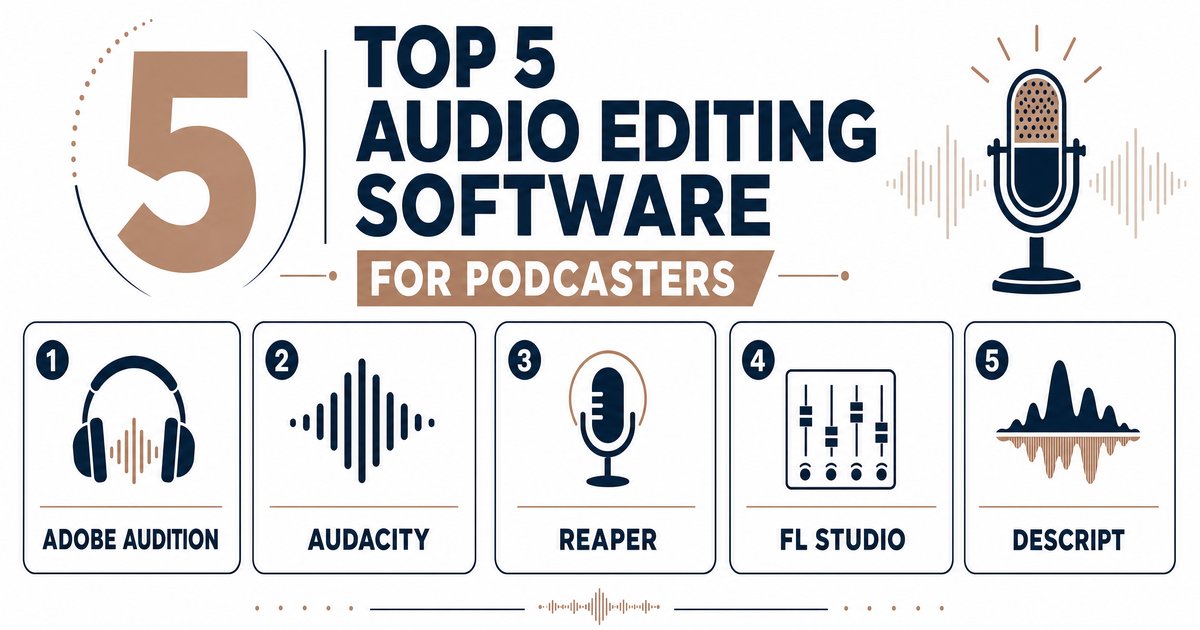
Choosing the best podcast editing software depends heavily on your specific needs. Are you looking for a simple, text-based editor to speed up your workflow, or do you require a professional-grade DAW with advanced audio restoration capabilities? In this comprehensive guide, we will explore the top 5 audio editing software solutions for podcasters in 2026. We will delve into their key features, pricing structures, and the pros and cons of each, helping you make an informed decision that aligns with your production goals and budget.
1. Adobe Audition
Adobe Audition remains an industry standard for audio post-production, offering a professional-grade digital audio workstation that caters to creators who demand granular control and broadcast-quality sound. It is particularly favored by audio engineers and video creators who are already embedded in the Adobe Creative Cloud ecosystem.
Key Features
Adobe Audition is renowned for its powerful multitrack editor, which allows for complex arrangements involving multiple vocal tracks, music, and sound effects. Its standout features include the Spectral Frequency Display and Waveform view, which provide a detailed visual representation of audio, making it easier to isolate and eliminate unwanted sounds. The Adaptive Noise Reduction tool is highly effective at cleaning up persistent background noise, while the Auto-Ducking feature automatically lowers background music when dialogue is present, significantly speeding up the mixing process.
Pricing
Adobe Audition operates on a subscription-only model. It is available as a standalone application for $22.99 per month or as part of the Adobe Creative Cloud “All Apps” plan, which starts at $59.99 per month.
Pros and Cons
Pros:
* Provides industry-grade tools for professional post-production and mastering.
* Offers powerful audio restoration and cleanup capabilities.
* Integrates seamlessly with Adobe Premiere Pro for a smooth video-to-audio workflow.
Cons:
* The subscription-only model can be costly over time, especially for hobbyists.
* The extensive feature set presents a steep learning curve for beginners.
2. Descript
Descript has revolutionized the podcast editing landscape by introducing a text-based editing workflow. By transcribing audio and video into a text document, Descript allows users to edit their media simply by editing the text. This innovative approach drastically lowers the barrier to entry, making it an ideal choice for content marketers and business owners who need to produce high-quality content quickly.
Key Features
The core strength of Descript is its intuitive text-based interface, which is perfect for dialogue-heavy content like interviews and panel discussions. It features an AI-powered “Studio Sound” tool that enhances amateur recordings by removing background noise and reverb with a single click. Another groundbreaking feature is “Overdub,” which allows users to correct misspoken words by typing the correction, generating an AI voice clone to seamlessly patch the audio. Descript also excels at creating promotional assets, easily generating short video clips with animated captions for social media.
Pricing
Descript offers a free plan with limited features. Paid plans start with the Creator tier at $15 per month, while the Pro tier, which includes more transcription hours and advanced features, is priced at $30 per month. Custom Enterprise plans are also available.
Pros and Cons
Pros:
* Extremely intuitive text-based editing that is easy for anyone to learn.
* Best-in-class AI tools for transcription, filler word removal, and audio cleanup.
* Excellent collaboration features for remote teams.
Cons:
* Lacks the advanced audio repair and mixing tools found in traditional DAWs.
* Usage is capped based on the subscription tier, which may limit high-volume producers.
3. Audacity
Audacity is the great-grandfather of podcast editing software and remains one of the most popular choices among creators today. As a free, open-source digital audio workstation, it provides a robust set of tools that cater to both beginners and experienced podcasters who are working with a limited budget.
Key Features
Audacity offers multitrack editing, allowing users to layer vocals, music, and sound effects. It includes a wide range of built-in audio effects and supports various plugins to extend its functionality. Key features include noise reduction, equalization, and compression tools that help polish raw recordings. While its interface may look a bit dated compared to modern alternatives, it is highly functional and supported by a massive community of users who provide tutorials and troubleshooting advice.
Pricing
Audacity is completely free to download and use, making it an unbeatable option for those looking to minimize production costs.
Pros and Cons
Pros:
* Completely free and open-source, offering exceptional value.
* Extensive editing capabilities and compatibility with Windows, macOS, and Linux.
* A large, active community that provides ample support and resources.
Cons:
* The interface can feel overwhelming and less intuitive for absolute beginners.
* Lacks advanced AI-driven features and automated workflows found in paid software.
4. Hindenburg PRO 2
Hindenburg PRO 2 is a unique digital audio workstation engineered specifically for spoken-word audio. Unlike general-purpose DAWs that cater to music production, Hindenburg’s entire workflow is optimized for voice, making it a powerful choice for journalists, narrative storytellers, and interview-based podcasters.
Key Features
Hindenburg PRO 2 is designed for speed and efficiency. Its standout feature is the Clipboard, which allows users to organize and arrange audio clips like a storyboard—perfect for building narrative segments. The software also includes Automatic Loudness management, ensuring that the final export meets broadcast standards with a single click. Additionally, it features voice profiling, which automatically matches the tone and EQ across different clips, ensuring a consistent sound throughout the episode.
Pricing
Hindenburg offers flexible pricing options. The PRO plan is available for $12 per month (billed annually) or can be purchased as a perpetual license for $399.
Pros and Cons
Pros:
* Purpose-built interface that significantly speeds up spoken-word editing.
* Excellent automated tools for leveling, loudness, and voice profiling.
* Offers a perpetual license option, which is rare in the current software market.
Cons:
* Has a smaller third-party plugin ecosystem compared to generalist DAWs.
* Lacks advanced music production tools, which may be a drawback for highly produced audio dramas.
5. Alitu
Alitu was built to reinvent podcast editing from the ground up, making it accessible to complete beginners and time-strapped creators. It functions as an all-in-one podcast maker tool, combining recording, editing, and publishing capabilities into a single, user-friendly web-based platform.
Key Features
Alitu simplifies the production process with a drag-and-drop episode builder. It allows users to record remote audio or video calls directly within the dashboard. The platform features automated audio cleanup, including noise reduction and volume leveling, which instantly improves the sound quality of raw recordings. Alitu also offers text-based editing, allowing users to remove filler words and edit by deleting text in automatically generated transcripts. Furthermore, it includes hosting tools to publish and distribute finished episodes directly to platforms like Apple Podcasts and Spotify.
Pricing
Alitu is priced at $38 per month, which includes recording, editing, and hosting capabilities, potentially eliminating the need for multiple separate subscriptions.
Pros and Cons
Pros:
* An all-in-one solution that handles recording, editing, and hosting.
* Extremely user-friendly, making it perfect for beginners and non-technical users.
* Automated audio cleanup and text-based editing save significant production time.
Cons:
* Does not offer the intricate control and advanced mixing capabilities of a traditional DAW.
* The monthly cost may be higher than standalone editors, though it includes hosting.
Conclusion
Selecting the right audio editing software is a foundational step in producing a successful podcast. For professionals and audio engineers who require surgical precision and advanced mixing capabilities, Adobe Audition remains the top choice. If speed, collaboration, and ease of use are your priorities, Descript offers an innovative text-based workflow that is hard to beat.
For those on a strict budget, Audacity provides a powerful, free solution that has stood the test of time. Storytellers and journalists will find Hindenburg PRO 2 perfectly tailored to spoken-word production, while beginners and busy marketers looking for an all-in-one platform should strongly consider Alitu.
By evaluating your specific needs, technical expertise, and budget, you can choose the software that will not only streamline your workflow but also elevate the audio quality of your podcast, ensuring your message resonates clearly with your audience.