
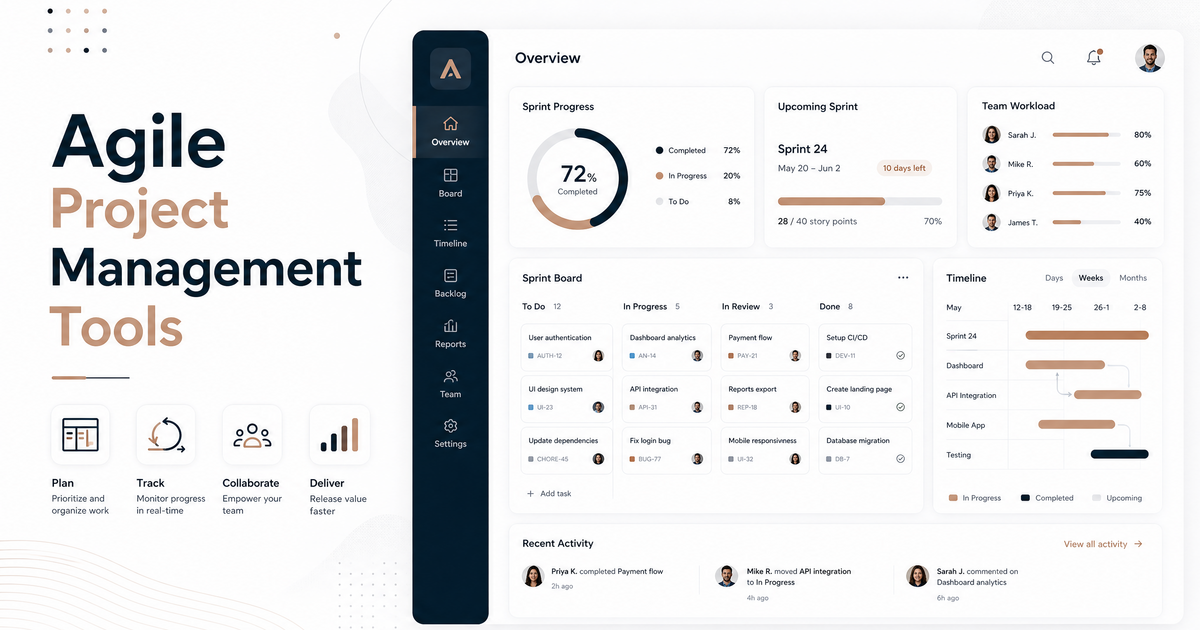
Best Agile Project Management Tools for Software Teams
Introduction: Navigating the Agile Landscape for Software Teams
In the fast-paced world of software development, agility is not just a buzzword; it’s a fundamental approach that enables teams to adapt quickly to changing requirements, deliver value incrementally, and foster continuous improvement. Agile project management methodologies, such as Scrum and Kanban, have become indispensable for software teams seeking to enhance efficiency, collaboration, and product quality. These frameworks break down complex projects into smaller, manageable iterations, allowing for greater flexibility and responsiveness throughout the development lifecycle.
The success of an agile implementation often hinges on the tools chosen to support these practices. The right agile project management tool can streamline workflows, improve communication, provide real-time insights, and ultimately empower software teams to achieve their goals more effectively. Conversely, an ill-suited tool can hinder progress, create bottlenecks, and undermine the very principles of agility. This article will explore some of the best agile project management tools available today, focusing on their features, advantages, and suitability for software development teams. We will delve into how these tools facilitate planning, tracking, collaboration, and reporting, helping you make an informed decision to boost your team’s productivity and project success.
Top Agile Project Management Tools for Software Teams
Choosing the right tool is crucial for the successful implementation of agile methodologies within a software development team. Here, we present a list of 5-7 leading agile project management tools, highlighting their key features, benefits, and typical pricing structures.
1. Jira Software
Description: Jira Software, developed by Atlassian, is arguably the most widely used agile project management tool, purpose-built for software teams. It provides comprehensive capabilities for issue tracking, sprint planning, backlog management, and release management. Jira supports various agile frameworks, including Scrum, Kanban, and hybrid approaches, offering customizable workflows and powerful reporting features.
- Advantages:
- Highly customizable workflows and issue types.
- Excellent integration with other development tools (e.g., Bitbucket, GitHub, Confluence).
- Robust reporting and analytics for tracking sprint progress, velocity, and burndown charts.
- Strong community support and extensive documentation.
- Price Indication: Jira offers a free plan for up to 10 users. Paid plans start from approximately $7.50 per user per month, with enterprise-level pricing available upon request [1].
2. Asana
Description: While not exclusively designed for software development, Asana is a versatile project management tool that can be effectively adapted for agile teams. It excels in task management, team collaboration, and workflow automation. Asana allows teams to organize work into projects, tasks, and subtasks, offering various views such as lists, boards (Kanban), and timelines.
- Advantages:
- Intuitive and user-friendly interface.
- Strong task management and collaboration features.
- Flexible for various project types and team sizes.
- Good for cross-functional team alignment.
- Price Indication: Asana offers a free basic plan. Premium plans start around $10.99 per user per month when billed annually [2].
3. Trello
Description: Trello, also an Atlassian product, is a highly visual and intuitive Kanban-based tool ideal for managing tasks and workflows. It uses boards, lists, and cards to help teams organize and prioritize projects in a simple, drag-and-drop interface. Trello is particularly popular for its ease of use and flexibility, making it suitable for smaller teams or specific agile ceremonies like sprint planning and daily stand-ups.
- Advantages:
- Extremely easy to learn and use.
- Visual Kanban boards provide clear overview of work in progress.
- Flexible and adaptable to various agile workflows.
- Integrates with many popular applications through Power-Ups.
- Price Indication: Trello offers a generous free plan. Paid plans start from approximately $5 per user per month when billed annually [3].
4. ClickUp
Description: ClickUp positions itself as an all-in-one productivity platform, offering a vast array of features that cater to diverse project management needs, including agile software development. It provides customizable views (Kanban, Gantt, List, Box), robust task management, goal tracking, and extensive collaboration tools. ClickUp’s flexibility allows teams to tailor the platform to their specific agile processes.
- Advantages:
- Highly customizable and feature-rich.
- Offers a wide range of views to suit different preferences.
- Strong collaboration and communication features.
- Excellent free plan with many core functionalities.
- Price Indication: ClickUp has a free plan. Paid plans start from $7 per user per month when billed annually [4].
5. Monday.com
Description: Monday.com is a work operating system (Work OS) that provides a highly visual and customizable platform for managing projects and teams. Its intuitive interface, colorful boards, and automation capabilities make it effective for agile project management. Teams can create custom workflows, track progress, and collaborate seamlessly, adapting the platform to their unique agile practices.
- Advantages:
- Visually appealing and easy to use.
- Highly customizable boards and workflows.
- Strong automation capabilities to reduce manual tasks.
- Good for visualizing project progress and team workload.
- Price Indication: Monday.com offers a free plan for up to 2 users. Paid plans start from $9 per user per month when billed annually [5].
6. Azure DevOps
Description: For software teams deeply integrated into the Microsoft ecosystem, Azure DevOps provides a comprehensive suite of development tools, including robust agile project management capabilities. It supports Scrum, Kanban, and custom agile processes, offering features like backlogs, sprint planning, boards, pipelines, and test plans. Azure DevOps is particularly powerful for end-to-end software development lifecycle management.
- Advantages:
- Seamless integration with other Microsoft services and tools.
- Comprehensive suite for the entire DevOps lifecycle.
- Strong support for various agile methodologies.
- Scalable for large enterprise environments.
- Price Indication: Azure DevOps offers a free tier for up to 5 users. Basic paid plans start from $6 per user per month [6].
7. Wrike
Description: Wrike is a powerful work management platform that caters to a wide range of teams, including agile software development. It offers flexible project structures, customizable dashboards, and advanced reporting features. Wrike supports agile practices through features like Kanban boards, Gantt charts, and workload management, enabling teams to plan, execute, and track projects efficiently.
- Advantages:
- Flexible and adaptable to various project management styles.
- Robust reporting and analytics.
- Strong collaboration and communication tools.
- Good for managing complex projects with multiple dependencies.
- Price Indication: Wrike offers a free plan for up to 5 users. Paid plans start from $9.80 per user per month when billed annually [7].
Conclusion: Choosing the Right Tool for Your Agile Team
Selecting the best agile project management tool for your software team is a critical decision that can significantly impact your development process and overall success. As we’ve seen, a wide array of powerful tools is available, each with its unique strengths, features, and pricing models. The ideal choice ultimately depends on your team’s specific needs, size, budget, and existing technology stack.
When making your decision, consider factors such as:
- Team Size and Structure: Some tools are better suited for small teams, while others excel in large, complex enterprise environments.
- Agile Frameworks Used: Ensure the tool fully supports your chosen methodologies (Scrum, Kanban, etc.).
- Integration Capabilities: Look for seamless integration with your existing development tools (e.g., version control, CI/CD pipelines).
- Customization and Flexibility: The ability to tailor workflows, fields, and views to your team’s unique processes is invaluable.
- Reporting and Analytics: Robust reporting helps track progress, identify bottlenecks, and drive continuous improvement.
- User Experience: An intuitive and user-friendly interface promotes adoption and reduces the learning curve.
- Pricing and Scalability: Evaluate the cost-effectiveness and how the tool can scale with your team’s growth.
We encourage you to explore free trials and demos of the tools that best align with your requirements. By carefully evaluating your options and considering the insights provided in this article, you can empower your software team with the perfect agile project management solution to enhance collaboration, accelerate delivery, and build exceptional products.
References
- [1] Jira Software Pricing
- [2] Asana Pricing
- [3] Trello Pricing
- [4] ClickUp Pricing
- [5] Monday.com Pricing
- [6] Azure DevOps Pricing
- [7] Wrike Pricing


